
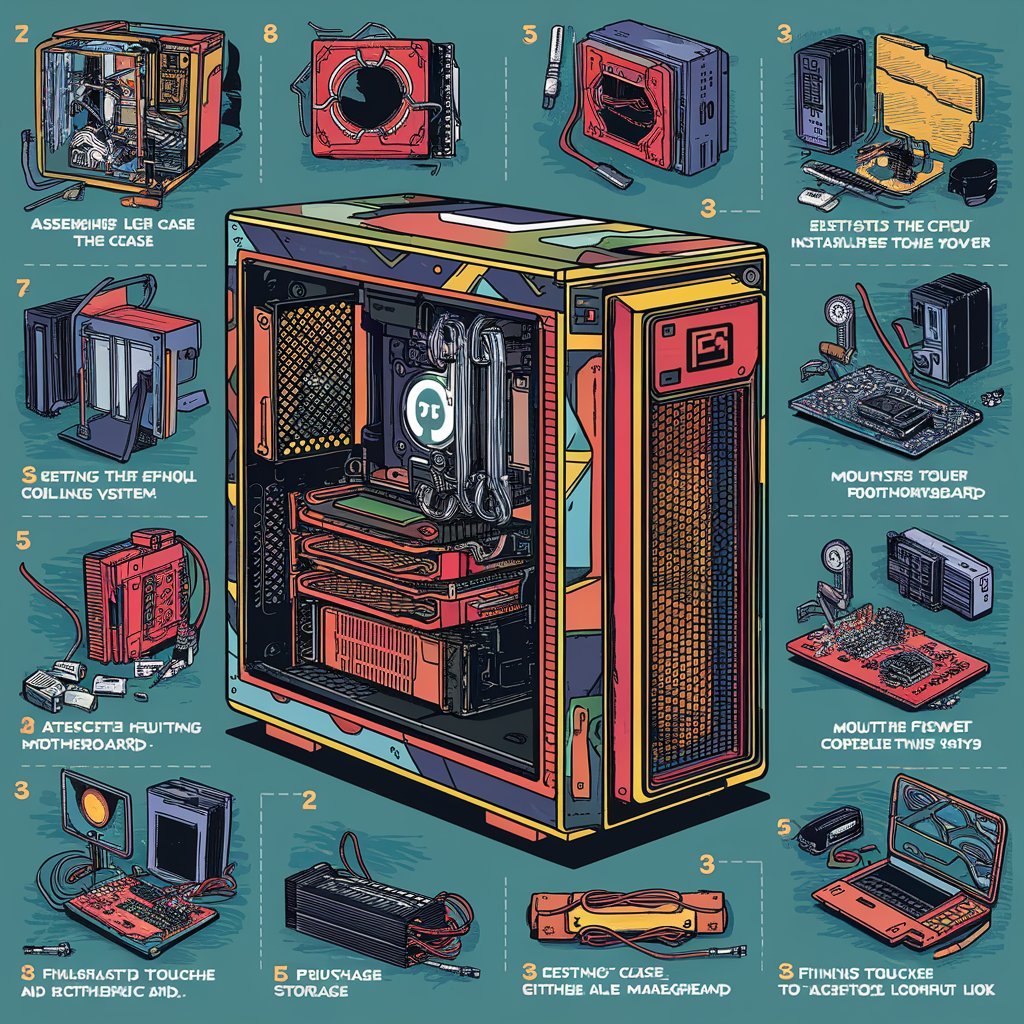
Learning how to build a PC is one of the most rewarding skills for anyone interested in technology. Instead of relying on pre-built systems, building your own computer gives you full control over performance, budget, and customization. Whether your goal is gaming, content creation, studying, or everyday use, assembling a PC allows you to tailor every component to your specific needs. While it may seem complicated at first, understanding the process step by step makes it far more approachable. This comprehensive guide explains everything you need to know about how to build a PC, from selecting the right components to assembling and powering on your system for the first time.
Understanding How to Build a PC and Why It Matters
Before diving into the process, it is important to understand how to build a PC and why so many people choose this route. Building a PC means assembling individual hardware components such as the processor, memory, storage, and motherboard into a functioning system. This approach offers several advantages, including better performance for the price, easier upgrades, and a deeper understanding of how computers work.
Unlike pre-built systems, where components may be limited or overpriced, building your own PC allows you to choose high-quality parts that match your needs. It also gives you flexibility for future upgrades, meaning your system can evolve over time rather than becoming outdated quickly. For beginners, the process might seem intimidating, but with proper guidance, it becomes an achievable and even enjoyable project.
Essential Components Needed to Build a PC
To successfully learn how to build a PC, you need to understand the essential components that make up a computer. Each part plays a crucial role in ensuring the system functions properly. The central processing unit (CPU) acts as the brain of the computer, handling instructions and calculations. The motherboard connects all components together and allows them to communicate.
Other important components include RAM (memory), which helps with multitasking, and storage devices such as SSDs or HDDs, which store your data and operating system. The graphics processing unit (GPU) is essential for gaming and graphic-intensive tasks, while the power supply unit (PSU) provides electricity to all components. Finally, the computer case holds everything together and ensures proper airflow to keep the system cool.
How to Choose the Right PC Components
Choosing the right parts is a critical step in learning how to build a PC. Compatibility is key, as not all components work together. For example, the CPU must match the motherboard socket type, and the RAM must be supported by the motherboard. It is also important to consider your purpose when selecting components. A gaming PC requires a powerful GPU, while a work-focused PC may prioritize CPU performance and memory.
Budget is another important factor. It is possible to build a capable PC at different price points, but balancing performance and cost is essential. Researching components and reading reviews can help you make informed decisions. By carefully selecting parts, you can create a system that meets your needs without overspending.
Step-by-Step Process: How to Build a PC
Understanding the step-by-step process is essential when learning how to build a PC. Start by preparing a clean workspace and gathering all your components. Begin by installing the CPU onto the motherboard, followed by attaching the RAM and storage devices. These steps are usually done outside the case for easier handling.
Next, install the motherboard inside the case and secure it properly. After that, connect the power supply and install the GPU into the appropriate slot. Once all components are in place, connect the necessary cables, including power cables and data cables. Double-check all connections to ensure everything is secure. Finally, close the case and prepare for the first boot.
Installing the Operating System and Drivers
After assembling your system, the next step in how to build a PC is installing the operating system. This is typically done using a USB drive containing the OS installation files. Once installed, you will need to install drivers for your hardware components, such as the motherboard, GPU, and network adapters.
Drivers ensure that your hardware functions properly and communicates effectively with the operating system. Keeping these drivers updated is important for maintaining performance and stability. This step transforms your assembled hardware into a fully functional computer ready for use.
Common Mistakes to Avoid When Building a PC
While learning how to build a PC, beginners often make common mistakes that can be easily avoided. One of the most frequent issues is not checking component compatibility before purchasing parts. Another mistake is improper cable management, which can affect airflow and system cooling.
Handling components without care can also lead to damage, especially due to static electricity. It is important to follow safety precautions and handle parts gently. Additionally, forgetting to connect essential cables can prevent the system from powering on. Taking your time and double-checking each step can help you avoid these problems.
Tips for First-Time PC Builders
If you are new to how to build a PC, there are several tips that can make the process smoother. Watching tutorials and reading guides can help you visualize each step. Keeping your workspace organized and labeling cables can also reduce confusion during assembly.
It is also helpful to remain patient and not rush the process. Building a PC is a learning experience, and mistakes can happen. By staying calm and following instructions carefully, you can successfully complete your build and gain confidence in your skills.
Benefits of Building Your Own PC
There are many advantages to learning how to build a PC. One of the biggest benefits is customization, as you can choose components that perfectly match your needs. Building your own PC can also be more cost-effective compared to buying a pre-built system with similar specifications.
Another major benefit is the ability to upgrade your system easily. Instead of replacing the entire computer, you can simply upgrade individual components as needed. Additionally, building a PC provides valuable knowledge about hardware and troubleshooting, which can be useful in the long run.
Conclusion
In conclusion, learning how to build a PC is a valuable and rewarding skill that offers both practical and personal benefits. From selecting the right components to assembling and configuring your system, each step contributes to creating a computer tailored to your needs. While the process may seem complex at first, careful planning and attention to detail can make it manageable for beginners. By following this guide and taking your time, you can successfully build a PC that delivers performance, reliability, and satisfaction for years to come.
Frequently Asked Questions (FAQs)
1. Is it difficult to learn how to build a PC?
Building a PC may seem difficult at first, but with proper guidance and patience, it becomes a straightforward and manageable process.
2. How long does it take to build a PC?
For beginners, it can take a few hours, while experienced builders may complete it more quickly.
3. Do I need special tools to build a PC?
Most PC builds only require a screwdriver and a clean workspace.
4. Can I build a PC on a budget?
Yes, it is possible to build a PC at various price points by selecting components that fit your budget and needs.
5. What should I do if my PC does not turn on?
Check all cable connections, ensure components are properly installed, and verify that the power supply is functioning correctly.
